📥 Report Records & File Downloads
Once a report has been saved, it begins generating records, which are downloadable export files. Each time the report is executed—either manually or via a recurring schedule—it creates a new generation record.
You can access the full list of these generations from the “Records” tab within the report editor:
📍 https://desk.collectiveaudience.co/settings/reports/{REPORT_ID}
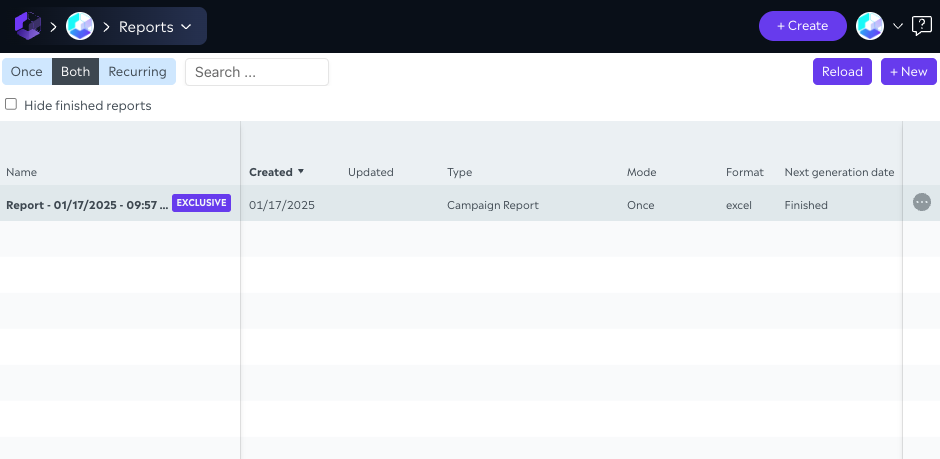
🗂 Records List#
Each record includes:
- Generation date
- Status:
Success,Processing, orError - Download link (available for 7 days)
Password-protected reports#
If the report has Password-protect export enabled, each successful generation is stored and delivered as a password-protected ZIP. The download link in the Records tab opens that ZIP file, not the raw CSV, Excel, or JSON file inside. Use the password configured on the report (shared with recipients out of band) to extract the export.
⚠️ If a generation fails and shows the
Errorstatus, the Collective Audience technical team is automatically notified.However, to ensure priority handling, we recommend you also reach out to [email protected].